
How to list your business in the directory
The Timing business directory is a public page where new customers find businesses and book. Listing is free, opt-in only, and turns on with one switch.
Where to start
Your profile picture at the top of the screen, the "Business" section of "Profile"
Tap "Profile"
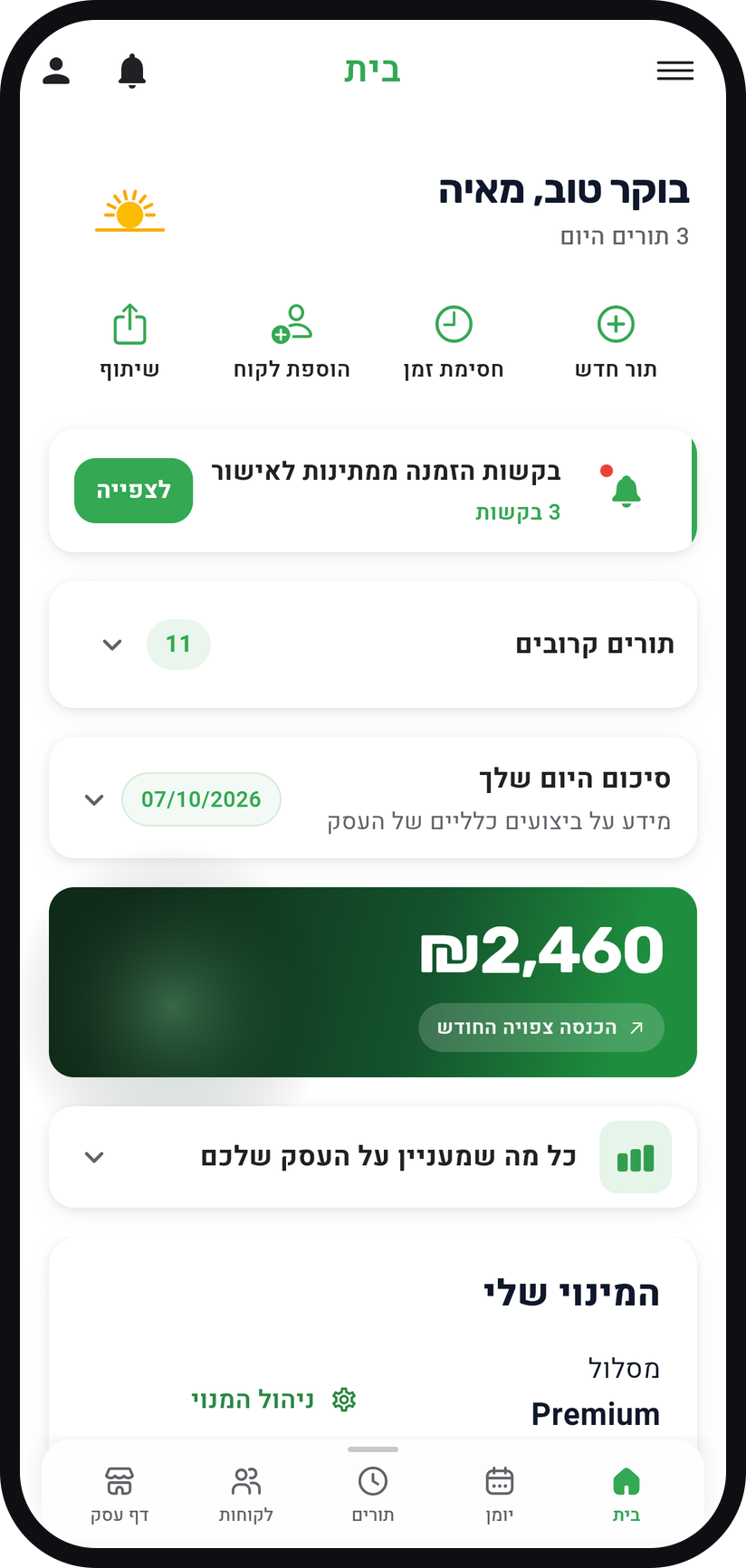
Tap your profile picture (or the person icon) at the top of the screen, not in the bottom bar. The "Profile" screen opens.
Zoom
The profile picture at the top of the screen. Turn on "Show in the Timing business directory"
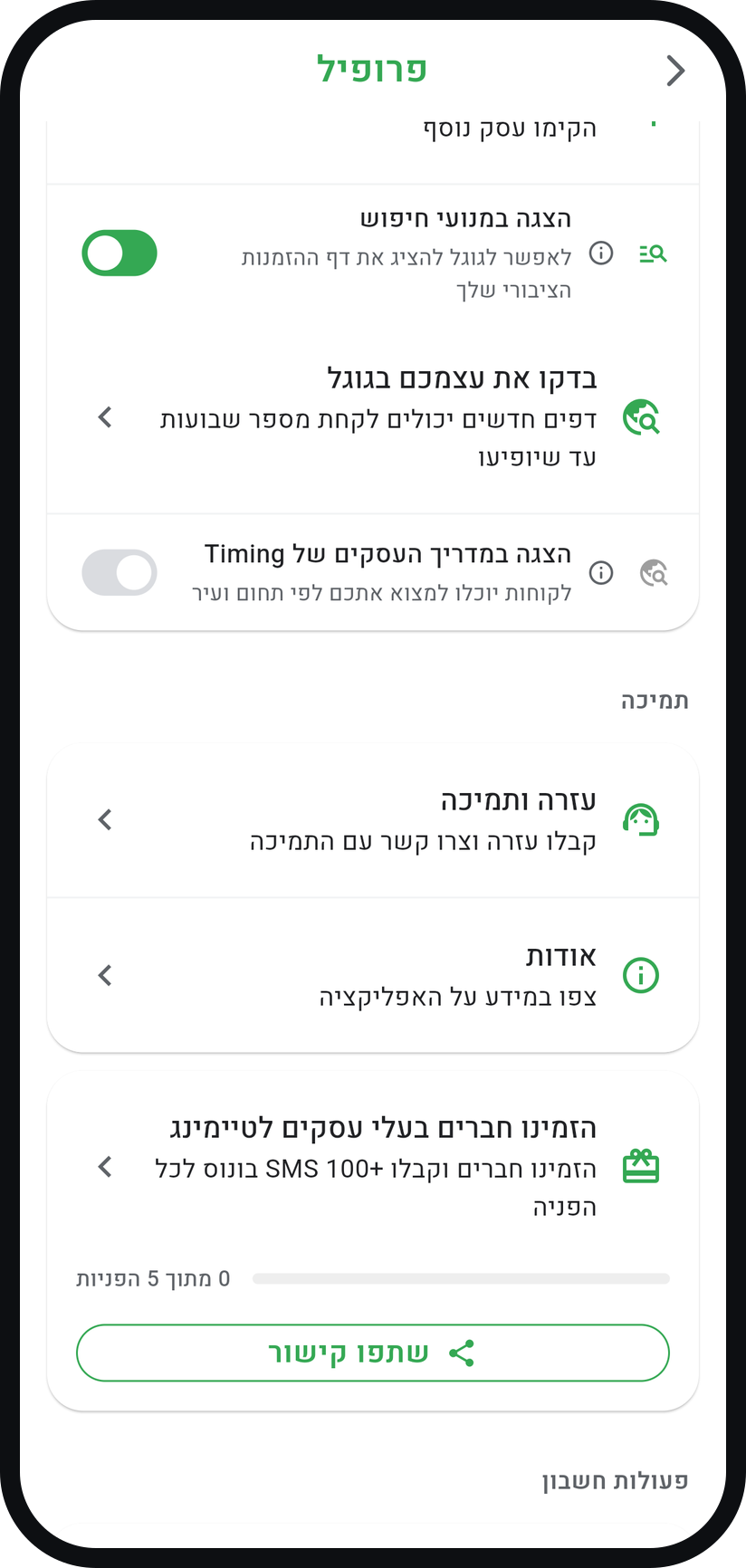
Scroll to the "Business" section and flip the switch. The "Show your business in the directory?" window lists what will be shown, and "Yes, show my business" publishes it.
Zoom
The "Show in the Timing business directory" switch in the "Business" section. Tap "See your listing"
The row appears under the switch once it is on. It opens the directory on the Timing website with your card highlighted, as customers see it.


Tips from the field
Your card goes up only when your business page has a cover photo or logo, at least one active service and an address with a city. You add all of them in the "Business page" tab.
The star rating appears only after at least 3 reviews, and while "Show customer reviews on your page" is on.
Once your page is ready, Timing may also invite you in a window with a "Yes, list my business" button. It does exactly what the switch does.
You can switch the listing off at any moment, and the card comes down right away.
Common questions
Nothing. Listing is free for every Timing business on every plan, and there is no commission on bookings made through the directory.
Only what your public booking page already shows: name, category, city and address, description, services and prices, photos, opening hours, phone, links and reviews. No private data is published.
Usually something is missing from your business page: a cover photo or logo, at least one active service, or an address with a city. Once you add it the card goes up, and if it was your first service that can take until the next morning.
Related guides
Not using Timing yet?
Setting up in Timing takes a few minutes, and you can start free.