
Appointment app for hair removal clinics, with WhatsApp reminders
Timing is an appointment app for hair removal clinics: laser, waxing and electrolysis. Each body area is set up as a service with its own length and price, and clients book on their own from your booking page, without downloading an app. An automatic WhatsApp reminder goes out before every treatment from the Basic plan (₪79 a month on the website), and a health declaration goes out with the booking confirmation from the Professional plan, with the answers saved on the client's card. You can start on the Free plan, up to 15 appointments a month with no credit card.
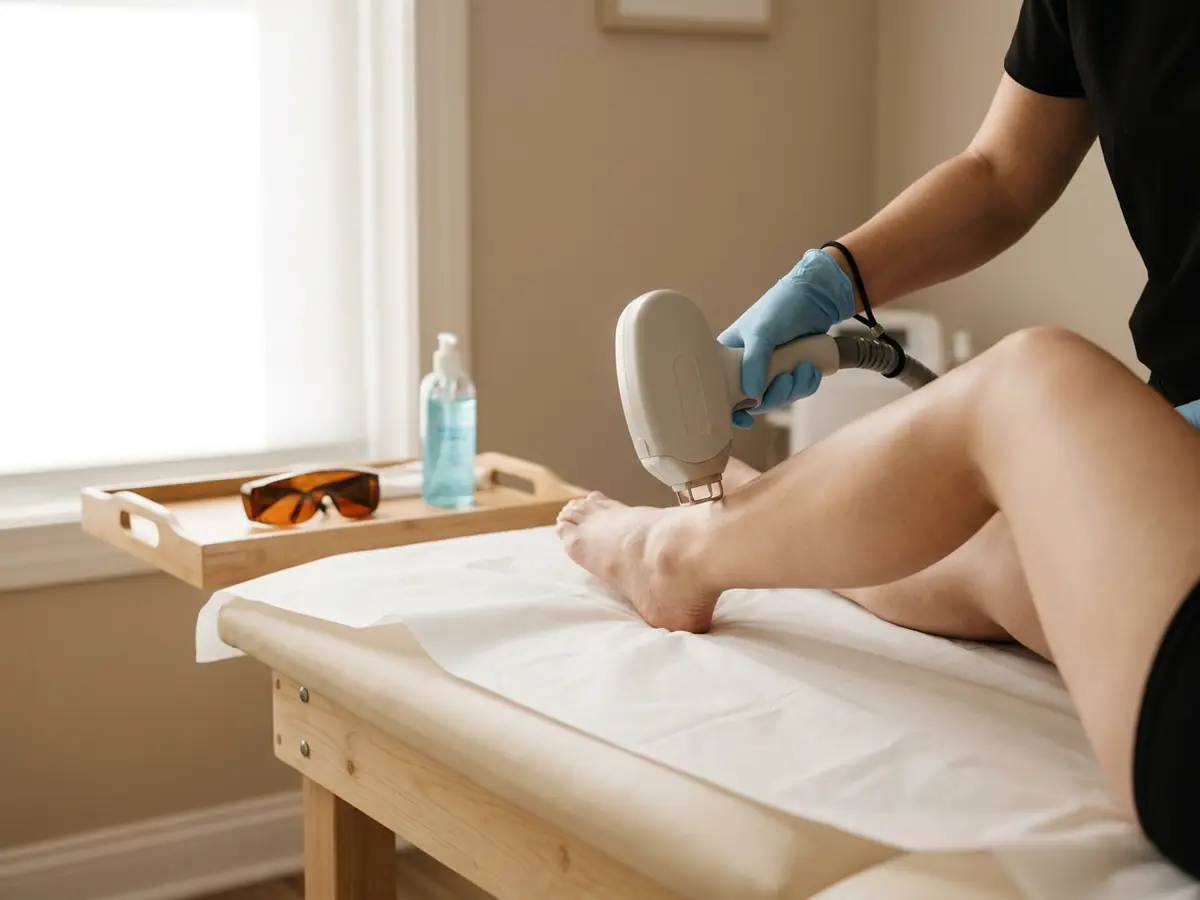
Challenges Facing Hair Removal Clinics
A series of treatments spaced weeks apart, and clients who forget to book the next one
Every area takes a different length: underarms are quick, full legs take far more of the calendar
Paper health declarations you have to dig out of a folder before every treatment
Series of several treatments counted on paper, with nobody sure how many are left
A no-show on a long treatment leaves a big hole in the middle of the day
Device settings, skin type and notes from past treatments scattered between scraps of paper and memory
How It Works, Step by Step
Build a menu by body area
Set up each area as a service with a length and a price: full legs, underarms, bikini, face. A set combination of areas gets a service of its own, and Timing shows clients only the times where the treatment they picked fits in your calendar.
Set your hours, blocks and rest
On every plan you set working hours, block time for a break (one that repeats every day too) or a whole day for the device technician, and add a rest after each appointment, from 5 minutes to 2 hours, to clean the device and change the paper on the bed.
Share your link
Your booking page link goes in your Instagram bio, your WhatsApp status and your Google business profile. Clients book from it themselves, from any phone, without downloading an app.
Bookings land in your calendar and on the client card
A new booking is confirmed at once or waits for your approval, by one setting for the whole business. From the Professional plan the health declaration arrives with the booking, and after each treatment you note on the client card the area and the settings you used.
A reminder before every treatment, and a count of the series
From the Basic plan an automatic WhatsApp reminder goes out before every treatment, at the time you chose. A client who comes on the same date every month gets a recurring appointment, on every plan, and from the Professional plan a punch card counts how many treatments are left in the series (opening to businesses gradually).
A Sample Service Menu
The services and lengths here are an example. In Timing each business sets up its own services, each with its own duration and price, and the free times on the booking page are worked out from the duration.
| Service | Typical length | How to set it up in Timing |
|---|---|---|
| Full legs, laser | 1 h | A long treatment. Give it its real length, so the calendar never offers it a window that is too short. |
| Underarms, laser | 15 min | A short treatment that fits between long ones. The rest you set after each appointment applies after it too. |
| Bikini, laser | 20 min | A separate service with its own length and price. A combination clients often book together, such as bikini and underarms, gets a service of its own. |
| Face, laser | 15 min | Upper lip, chin or full face: if the lengths differ, set them up as separate services. |
| Full legs, waxing | 45 min | A waxing service with its own length and price, separate from laser, so clients see both options on your booking page. |
| Electrolysis | 30 min | The length depends on the area. Offer it in a few lengths, each as a separate service with its own price. |
| Consultation and sensitivity test | 20 min | A first meeting before a laser series. From the Professional plan you attach the health declaration form to this service, and it goes to the client with the booking confirmation. |
How Timing Helps Hair Removal Clinics
A booking page for every body area
Each area, or a set combination of areas, is a service with its own length and price, so the calendar keeps exactly the time the treatment takes. Clients pick a treatment and a free time on their own, from one link you send on WhatsApp or put in your Instagram bio.
WhatsApp reminders and attendance confirmations
An automatic WhatsApp reminder before every treatment, at the time you chose (from the Basic plan), and a one-tap attendance confirmation request (from the Professional plan). A client who cancels before your cancellation deadline frees the time, and you get a notification.
Health declaration before the treatment
From the Professional plan you attach a health declaration or treatment consent form to the services that need it. The form goes to the client automatically with the booking confirmation, signature included, and the answers are saved on the client's card.
A punch card for a series of treatments
From the Professional plan you sell a series of several treatments, and Timing counts the visits for you (punch cards are opening to businesses gradually). A visit comes off when you mark it on the appointment, or automatically when you mark the appointment completed, if you turned on 'Punch the card automatically', and the client sees how many treatments are left.
Client card with treatment history
Every past treatment, the areas treated and your notes on skin type, hair colour and device settings, on one card opened straight from the calendar. The client never sees your notes.
A message after the treatment
From the Professional plan an automatic WhatsApp message goes out about two hours after the appointment ends, in text you write yourself, for example with the instructions you give after a treatment.
Practical Tips for Hair Removal Clinics
Book the next treatment before the client leaves
At the end of each treatment, book the client's next session in the series straight from the calendar, at the interval you work with. When the interval is a month, a monthly recurring appointment holds the place in advance, on every plan.
A reminder that arrives before the cancellation deadline
From the Basic plan you pick one time for the WhatsApp reminder, from 15 minutes to 72 hours before the appointment. For the cancel button in attendance confirmations (from the Professional plan) to work, pick a time that comes before your cancellation deadline, so the time of a long treatment frees up early enough.
A health declaration on the right services
From the Professional plan you attach the health declaration form to the services where you need it, for example the consultation. The answers and the signature are saved on the client card, ready to open before any treatment.
One message that fits every treatment
From the Professional plan the automatic message that goes out after the appointment is one text you write in the settings, for all your services. Word it so it fits laser, waxing and electrolysis alike.
What does Timing cost a hair removal clinic?
| Plan | Price a month | What you get |
|---|---|---|
| Free | ₪0 | Up to 15 appointments a month and one person. A booking page, a calendar and client cards with treatment history, with no WhatsApp or SMS reminders. |
| Basic | ₪79 | Unlimited appointments and an automatic WhatsApp reminder before every treatment. 300 marketing SMS a month, once Timing approves the business to send SMS. One person. |
| Professional | ₪129 | Everything in Basic, plus a second person on the team (up to 2 people on Professional, the owner included), health declarations, punch cards for treatments (opening to businesses gradually), an automatic message after the treatment, attendance confirmations and a waiting list. |
| Premium | ₪199 | Everything in Professional, plus up to 5 people on Premium, invoices and a second reminder before the treatment. |
A one-time 14-day Premium trial, no credit card, starting when you create your first business. After it you move to the Free plan automatically, with no charge.
Compare all plansFrequently Asked Questions
Is there an appointment app that fits a hair removal clinic?
Is there an appointment app that fits a hair removal clinic?
Yes. In Timing each body area is a service with its own length and price, clients book from your booking page, and the calendar and client cards run from your phone or computer. From the Basic plan a WhatsApp reminder goes out before every treatment, and from the Professional plan two people can work on one shared calendar with a team-member filter, each with their own working hours, and up to 5 on Premium.
How much does an appointment app for a hair removal clinic cost?
How much does an appointment app for a hair removal clinic cost?
Timing has a Free plan, up to 15 appointments a month with no credit card. On a website subscription the paid plans are Basic at ₪79 a month, which adds WhatsApp reminders and unlimited appointments, Professional at ₪129 and Premium at ₪199. Your first business also gets a one-time 14-day Premium trial with no credit card, then moves to the Free plan automatically with no charge.
How do I manage a series of laser treatments in the app?
How do I manage a series of laser treatments in the app?
Book the next treatment during the visit, straight from the calendar. When the interval is a month, a monthly recurring appointment holds the place, on every plan. From the Professional plan a punch card counts how many treatments are left in the series, and the client sees the balance in their own account (punch cards are opening to businesses gradually).
Can I send a client a health declaration before a laser treatment?
Can I send a client a health declaration before a laser treatment?
Yes, from the Professional plan. Attach a form to a service and it goes to the client automatically with the booking confirmation, signature included. The answers are saved on the client card.
Can I send clients instructions after the treatment?
Can I send clients instructions after the treatment?
Yes. From the Professional plan you turn on an automatic WhatsApp message that is sent about two hours after the appointment ends. You write the text yourself, it is one text for all your services, and the settings show a preview of the message.
How do I cut down on no-shows for long treatments?
How do I cut down on no-shows for long treatments?
A WhatsApp reminder before the treatment (from the Basic plan) and a one-tap attendance confirmation request (from the Professional plan). With the waiting list switched on (from the Professional plan), a time freed by a cancellation goes to the first client on the list whose request fits.
Do clients need to download an app to book?
Do clients need to download an app to book?
No. Clients book on a booking page that opens in the browser, from a link you send on WhatsApp, on Instagram or anywhere else. Only the clinic downloads the app, for iPhone or Android, and you can also work from a computer.
Can I run both laser and waxing in the same app?
Can I run both laser and waxing in the same app?
Yes, on every plan: each treatment, laser, waxing or electrolysis, is a service with its own length and price, and clients see them all on your booking page. A set combination of areas is set up as a service of its own.
More on Timing
Guides and further reading
Ready to make scheduling simpler?
Free plan, no credit card, plus a one-time 14-day Premium trial for your first business.
Start Free