
Nail salon booking app, with WhatsApp reminders
Timing is a booking app for nail techs, manicurists and nail salons: clients book gel polish, extensions or fills on their own through your link, 24/7, with no phone calls. From the Basic plan (₪79 a month on the website), a WhatsApp reminder goes out automatically before every visit, and from the Professional plan the whole team shares one calendar, filtered by nail artist, with each artist's own working hours.
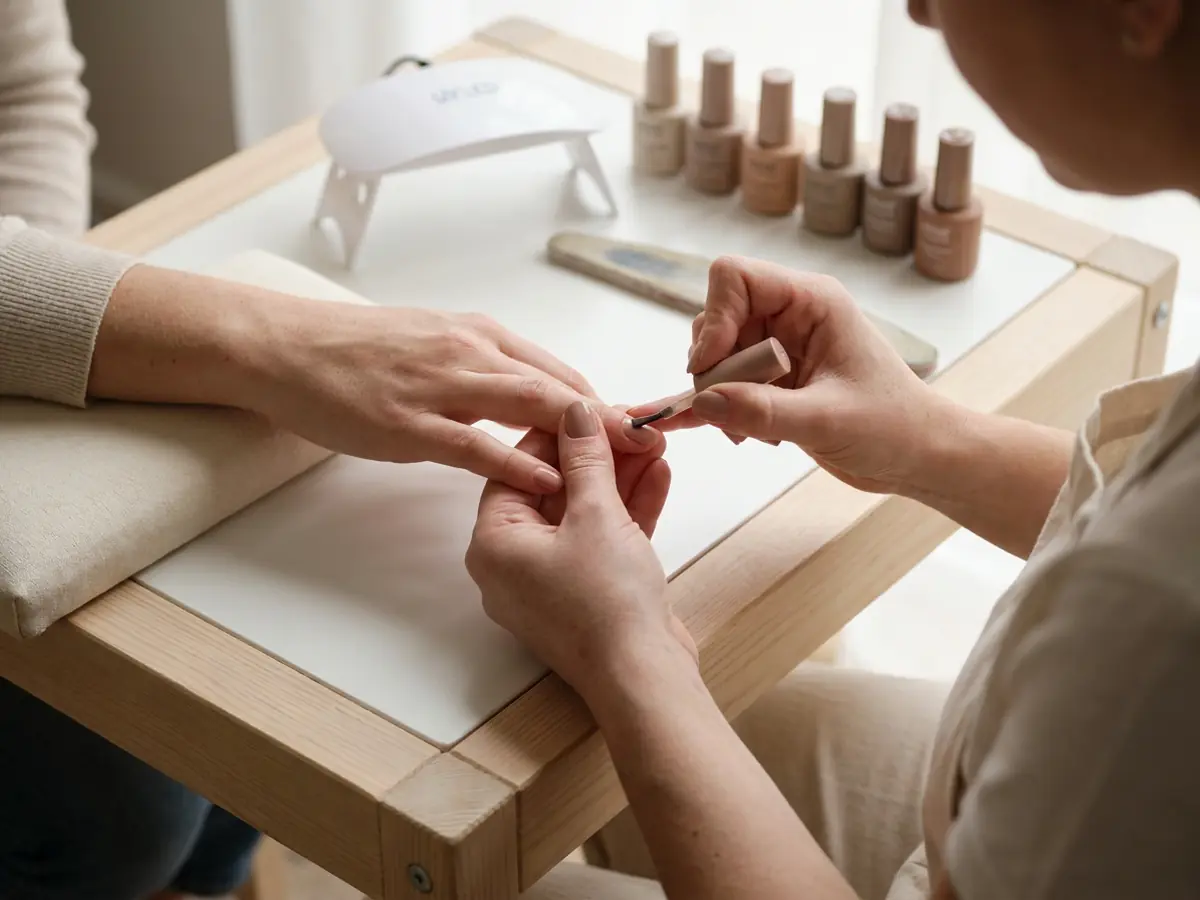
Challenges Facing Nail Salons
Mid-manicure your hands are busy, and booking messages pile up on WhatsApp
Clients who forget appointments and don't show up cause direct revenue loss
A full set, a fill and a removal take different times, and a slot booked without knowing which one the client needs runs short
Hard to see at a glance who is with which nail artist and when
Clients want to book in the evenings and weekends when the studio is closed
Regulars come back for a fill every three to four weeks, with no simple way to make sure their next appointment is already booked
How It Works, Step by Step
Build your service menu
Set up each service with a duration and a price: gel polish, a full set, a fill, a removal, a pedicure. A full set and a fill are two separate services, since they do not take the same time, and Timing shows clients only the times where the service they picked fits in your calendar.
Set your hours, breaks and days off
On every plan you set working hours, block time for a regular break in the middle of the day or for days off, and add a rest after each appointment, from 5 minutes to 2 hours, to disinfect your tools and change the towel. To stop last-minute bookings, you also set a minimum notice before an appointment.
Share your link
Your booking page link goes in your Instagram bio, your WhatsApp status and your Google business profile, next to photos of your work. Clients book from it themselves, from any phone, without downloading an app.
Bookings land in your calendar
A new booking is confirmed at once or waits for your approval, by one setting for the whole business. Every client is kept on a card with their visit history and your notes, which the client never sees.
Reminders, and the next fill booked before they leave
From the Basic plan, every client gets an automatic WhatsApp reminder before the appointment, at the time you chose. At the end of the treatment you book the next fill from the client card, and a client who comes on the same day every month gets a recurring appointment, on every plan.
A Sample Service Menu
The services and lengths here are an example. In Timing each business sets up its own services, each with its own duration and price, and the free times on the booking page are worked out from the duration.
| Service | Typical length | How to set it up in Timing |
|---|---|---|
| Gel manicure | 1 h | A basic service with a duration and a price. If removing the old gel is part of it, include that time in the duration. |
| Full set | 2 h | A long treatment: set the full duration, shaping and curing under the lamp included, so the calendar never offers it in a gap that is too short. |
| Fill | 1 h 15 min | A separate service from a full set, with its own duration and price. The client picks a fill, and the calendar keeps the right amount of time. |
| Gel removal | 20 min | A short service that fits between long ones. The rest you set after each appointment applies after it too. |
| Pedicure | 1 h | A service with its own duration and price. In the service note that goes out with the reminder (from the Basic plan), you can ask clients to come in open shoes. |
| Manicure and pedicure | 1 h 45 min | Set the combination up as a service of its own, with its own duration and price, so the client books one appointment and the calendar keeps the whole time. |
How Timing Helps Nail Salons
24/7 Self-Booking
A booking link you can share on Instagram, WhatsApp, and your Google Business Profile. Clients book at any time, and you do not have to answer messages in the middle of a manicure.
Automatic WhatsApp Reminders
A WhatsApp message with appointment details is sent automatically before the appointment, at the time you choose (from the Basic plan). Fewer no-shows, fewer empty slots.
One Team Calendar
From the Professional plan (up to 2 people, the owner included; up to 5 on Premium), the whole team shares one calendar, filtered by nail artist, with each artist's own working hours, so several artists are easy to manage.
Separate lengths for a full set, a fill and a removal
Set up a manicure, gel polish, a full set, a fill, a removal and a pedicure, each with its own duration, price and description. The client picks what they need, and the calendar keeps exactly that much time.
Client card
Every client on one card: visit history, total spend and tags, plus notes the client never sees, such as the last shade, the shape and the length.
Revenue Reports
On every plan: revenue over time against the previous period, each service's share of bookings, new clients and peak hours. From the Professional plan, revenue per nail artist too.
Practical Tips for Nail Salons
Choose when the reminder goes out
From the Basic plan you pick one time for the WhatsApp reminder, from 15 minutes to 72 hours before the appointment. From the Professional plan the client can also confirm or cancel from the reminder, and for the cancel button to work, pick a time that comes before your cancellation deadline.
Book the next fill before they leave
A client comes back for a fill every three to four weeks, and a recurring appointment in Timing is daily, weekly on chosen days or monthly. So at the end of the treatment you open the client card, tap 'Schedule appointment' and book the next fill on a date that suits them, on every plan.
Before the holidays: a waiting list
Before the holidays clients want fresh nails, and the calendar fills up. From the Professional plan, with the waiting list switched on, a client who found no free time joins it, and a time that opens goes to the first client on the list whose request fits.
Show your work on your business page
A new client decides where to get their nails done by the work they see. You upload photos of your work to your business page, and new clients see them before they book.
What does Timing cost a nail salon?
| Plan | Price a month | What you get |
|---|---|---|
| Free | ₪0 | Up to 15 appointments a month and one person. A booking page, a calendar, client cards and recurring appointments, with no automatic reminders. |
| Basic | ₪79 | Unlimited appointments and an automatic WhatsApp reminder before every appointment, with a note for each service. 300 marketing SMS a month, once Timing approves the business to send SMS. One person. |
| Professional | ₪129 | Everything in Basic, plus a second nail artist on the team (up to 2 people on Professional, the owner included), a waiting list, attendance confirmations from the reminder and an automatic message after the appointment. |
| Premium | ₪199 | Everything in Professional, plus up to 5 people on Premium, invoices, a second reminder before the appointment and group workshops with a participant limit. |
A one-time 14-day Premium trial, no credit card, starting when you create your first business. After it you move to the Free plan automatically, with no charge.
Compare all plansFrequently Asked Questions
How do you reduce no-shows at a nail salon?
How do you reduce no-shows at a nail salon?
From the Basic plan the system sends an automatic WhatsApp reminder before each appointment, at the time you choose: anywhere from 15 minutes to 72 hours before (30 minutes by default). Premium can add a second reminder, and with attendance confirmations (from the Professional plan) clients confirm in one tap.
Can I manage multiple nail artists on one calendar?
Can I manage multiple nail artists on one calendar?
Absolutely, from the Professional plan: up to 2 people, the owner included, and up to 5 on Premium (Free and Basic are for one person, the owner). The whole team works on one shared calendar you can filter by nail artist, each artist has their own working hours, and clients pick an artist from the list on your booking page (from the Professional plan).
Can I add different services with different prices and durations?
Can I add different services with different prices and durations?
Yes - each service (manicure, pedicure, gel, etc.) has its own price, duration, and description. Time is blocked in the calendar, so an overlapping appointment cannot be booked from your booking page.
Do clients need to install an app?
Do clients need to install an app?
Not at all. Booking is through a link in their regular browser. Share it in your Instagram bio, on WhatsApp, and on your Google Business Profile.
How much does nail salon scheduling software cost?
How much does nail salon scheduling software cost?
There's a free plan, and paid plans start at ₪79 a month on the website. Your first business also gets a one-time 14-day Premium trial with no credit card, then moves to the Free plan automatically with no charge.
Can I book a client's next fill in advance?
Can I book a client's next fill in advance?
Yes, on every plan: at the end of the treatment you book the next appointment from the client card. A client who comes on the same day every week or every month gets a recurring appointment, weekly on the days you choose or monthly.
What happens when a client cancels?
What happens when a client cancels?
A signed-in client cancels on their own from their appointments page, until the cancellation deadline you set (24 hours before the appointment by default), and you get a notification. With the waiting list switched on (from the Professional plan), the time goes to the first client on the list whose request fits.
Can I see how much the salon made this month?
Can I see how much the salon made this month?
Yes, on every plan: revenue over time against the previous period, each service's share of bookings, new clients and peak hours. From the Professional plan there is also revenue per nail artist and an accountant report as a PDF.
More on Timing
Guides and further reading
Ready to make scheduling simpler?
Free plan, no credit card, plus a one-time 14-day Premium trial for your first business.
Start Free