
How to pull reports
How much came in, a file of your bookings and customers, and documents for your accountant. All on the Reports screen.
Where to start
The menu at the top of the screen, "Tools" group, "Reports"
Watch the video
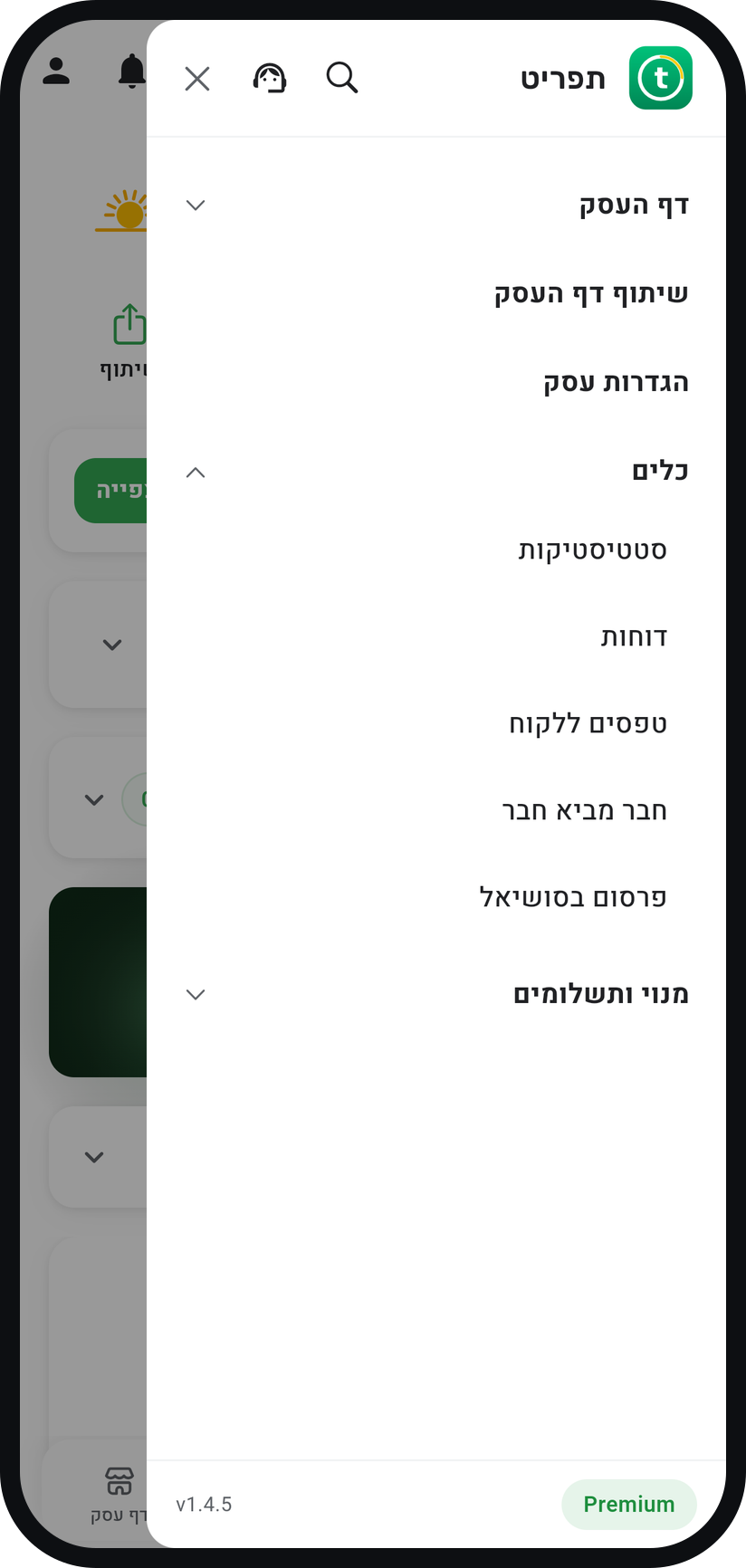
Open the menu
Tap the menu icon (three lines) at the top of the screen, then the "Tools" group to unfold it.
Tap "Reports"
The row sits in the "Tools" group, under "Insights". The "Reports" screen opens.
Zoom
The "Reports" row in the "Tools" group. Read the financial summary
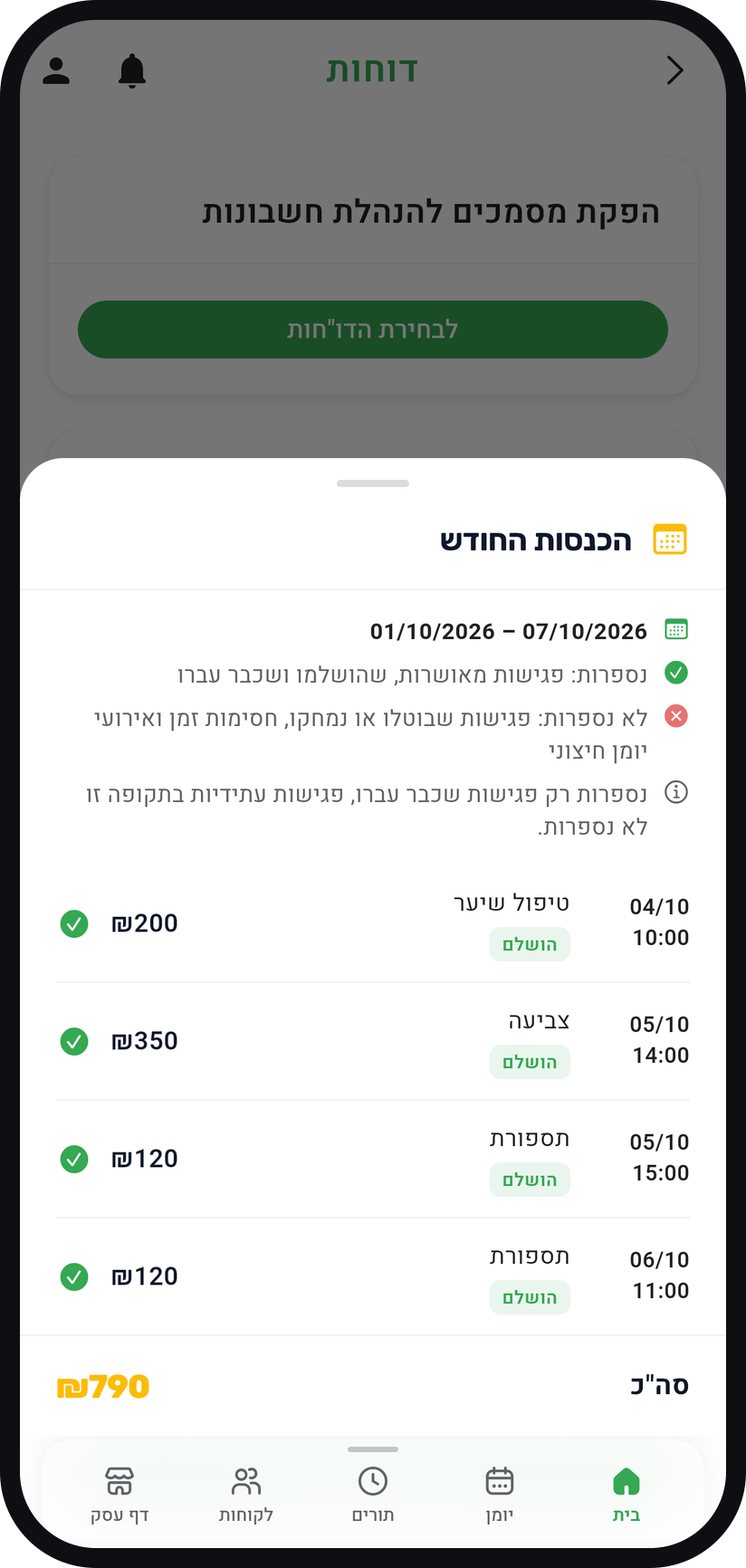
The "Quick Financial Summary" card shows revenue for "Today", "Week", "Month" and "Total". Tap a tile to see how it was calculated and which appointments were counted.
Zoom
The "This month's revenue" window, opened by tapping the "Month" tile. Export data to a spreadsheet
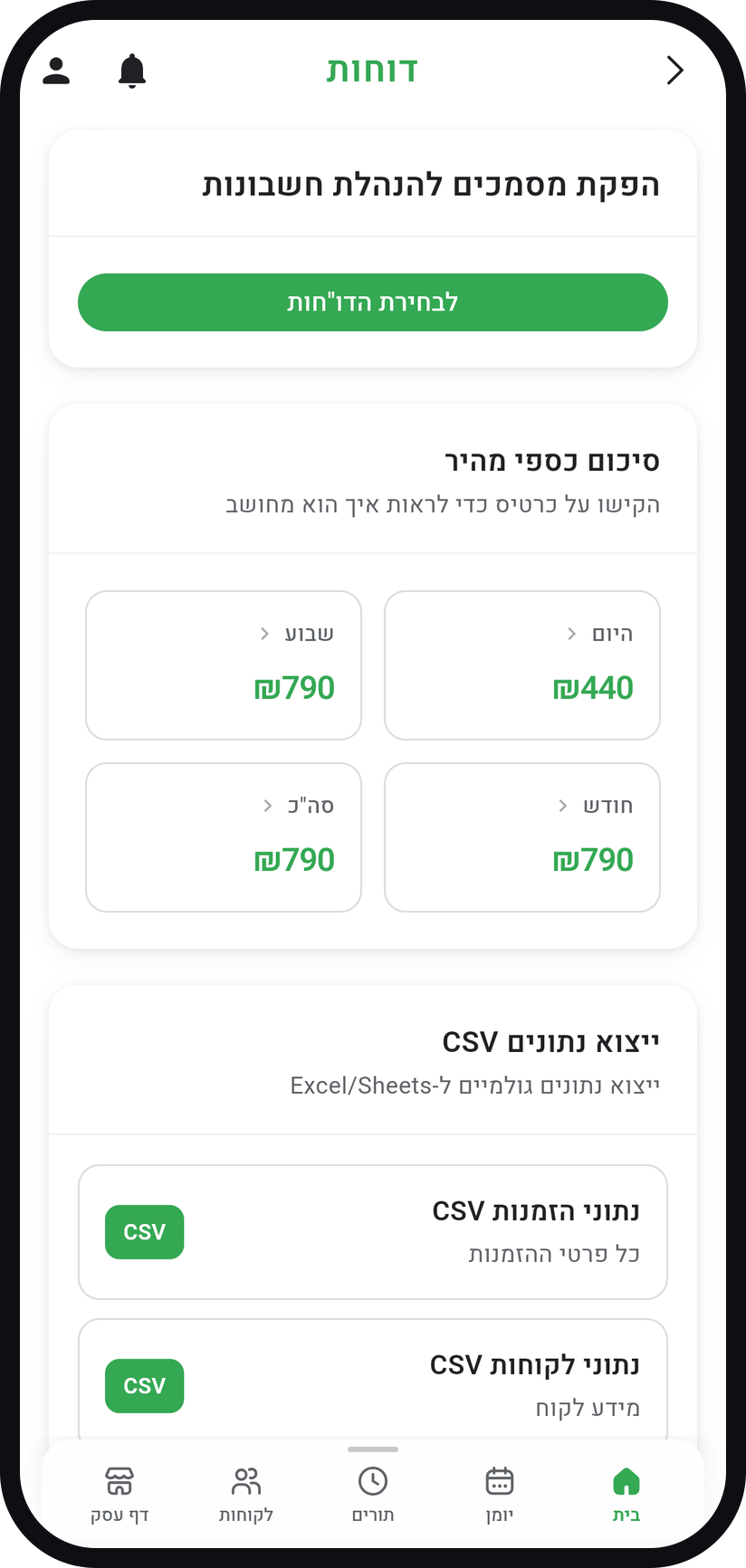
In the "CSV Data Export" card, choose "Bookings Data CSV" or "Customers Data CSV". In a browser the file downloads right away; in the app a share window opens so you can save or send it.
Zoom
The "CSV Data Export" card. Generate documents for your accountant
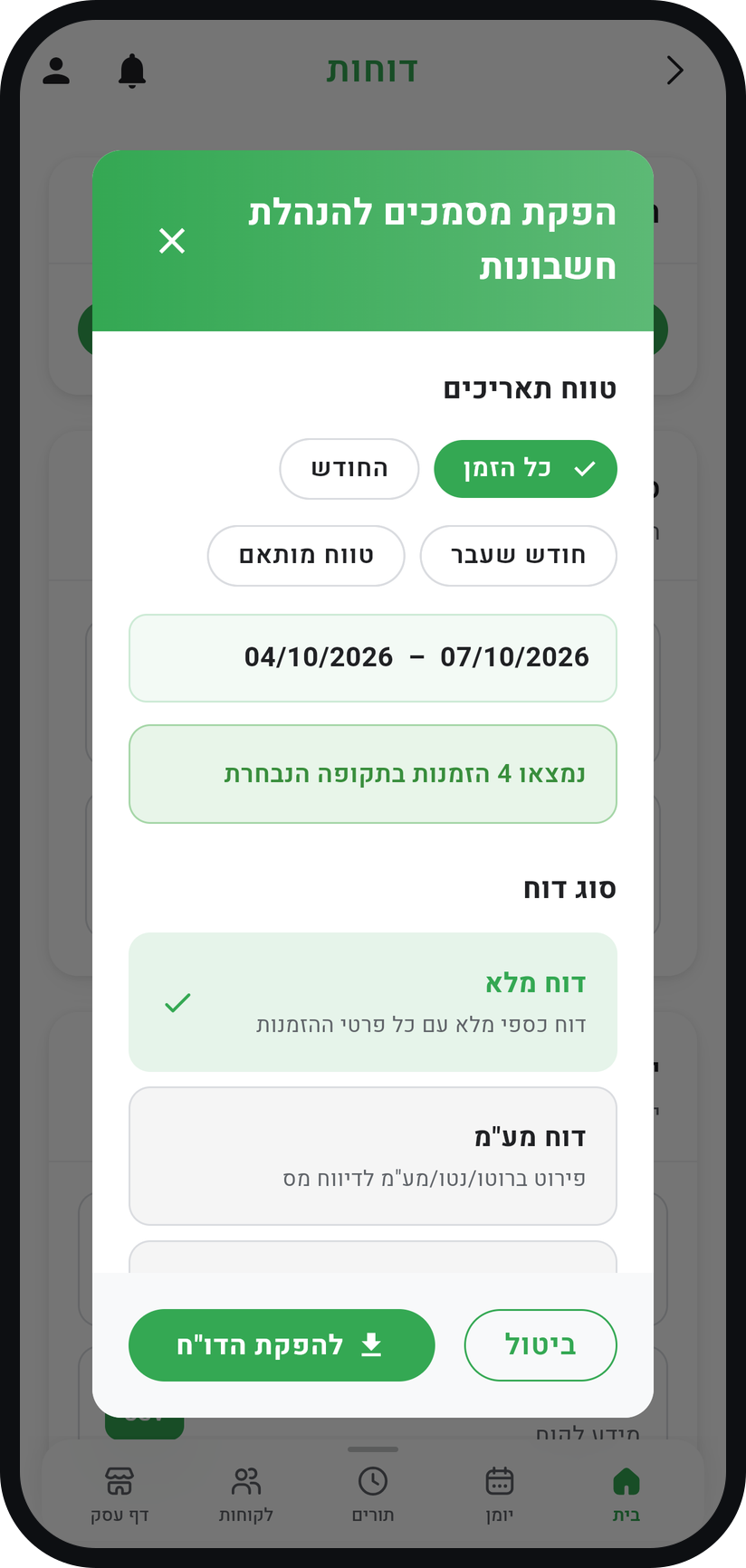
On Professional and above, the "Accountant Report Generator" card sits at the top of the screen. Tap "Choose Reports", pick a date range and a report type, then "Generate Report".
Zoom
Choosing the "Date Range" and the "Report Type" before "Generate Report".


Tips from the field
Accountant documents are available on Professional and above: Professional includes six months of history and up to 10 exports a month, and Premium has no limit.
"Insights", above "Reports" in the menu, shows trends: revenue over time, peak hours, customer growth and cancellations.
On Professional and above, the window that opens from a summary tile also has "Export a report for this period", which opens the accountant documents for that period.
Exporting at the end of each month takes a minute and saves reconstructing the year later.
The CSV file opens in Excel, Google Sheets, and whatever your accountant uses.
Common questions
No. The financial summary, "Bookings Data CSV" and the accountant documents count only confirmed, completed and past appointments. You can see cancellations in the cancellation trend chart in "Insights".
The financial summary and the CSV exports are on every plan. The "Accountant Report Generator" starts at Professional; on lower plans the card is simply not shown.
Yes. When the business has more than one team member, the accountant documents window shows "Staff Filter".
More on this topic: Analytics & Reports · Small Business Scheduling
Related guides
Not using Timing yet?
Setting up in Timing takes a few minutes, and you can start free.